Activities
The Activities allows you to view and track the list of own activities in the portal. This page is available for publisher and subscriber.
It displays the following information:
- UUID - Displays 128-bit value to identify the user
- Date - Displays the date based on filter range
- Service - Displays the module of the system such as Topic, User, Project, Subscription, Adaptor, Message, and so on
- Action - Displays activity logs for create, update, and delete actions
- Action description - Displays description of certain activity such as log in, update, or create
- Payload - Displays the content of the activity
Note You can also sort by the following columns:
- UUID
- Date
- Service
- Action
- Action description
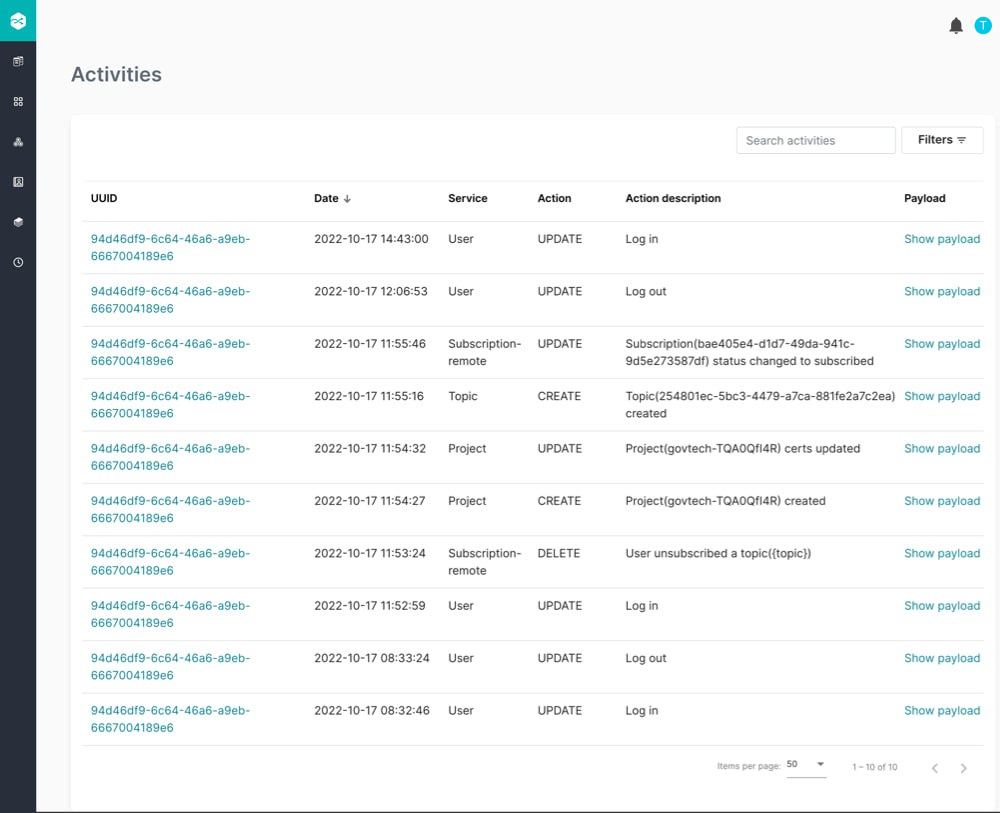
Click UUID to display the user information.
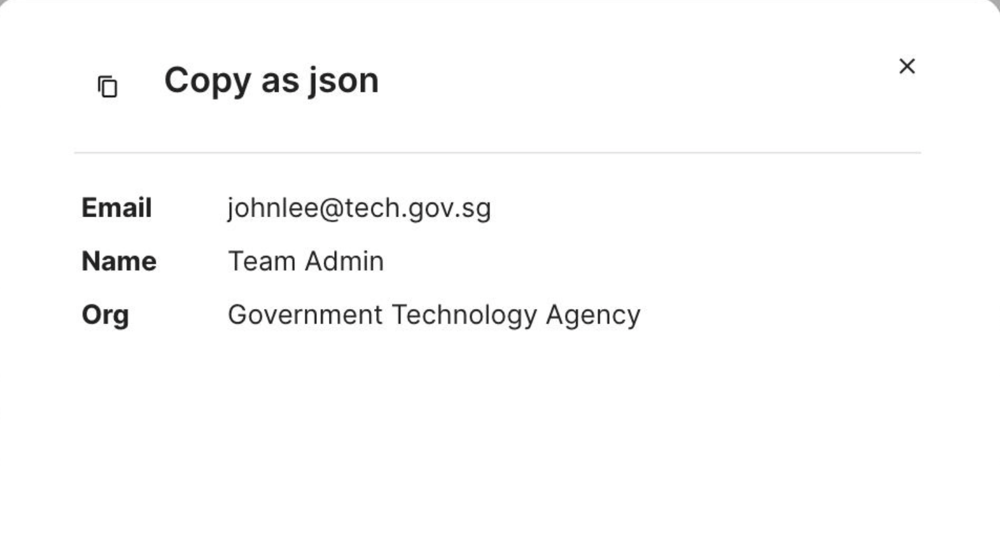
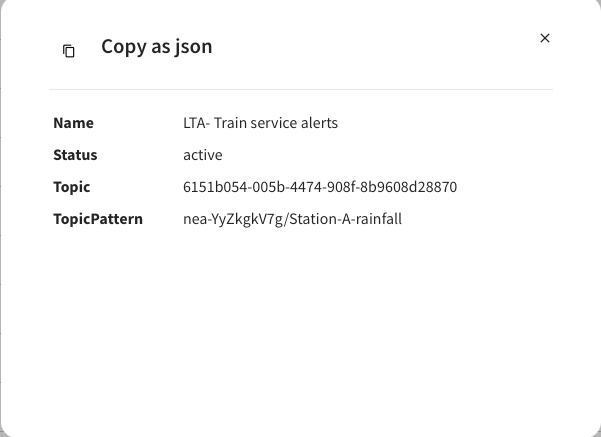
Click Show payload to display the details of the activity and allow you to copy the JSON content.
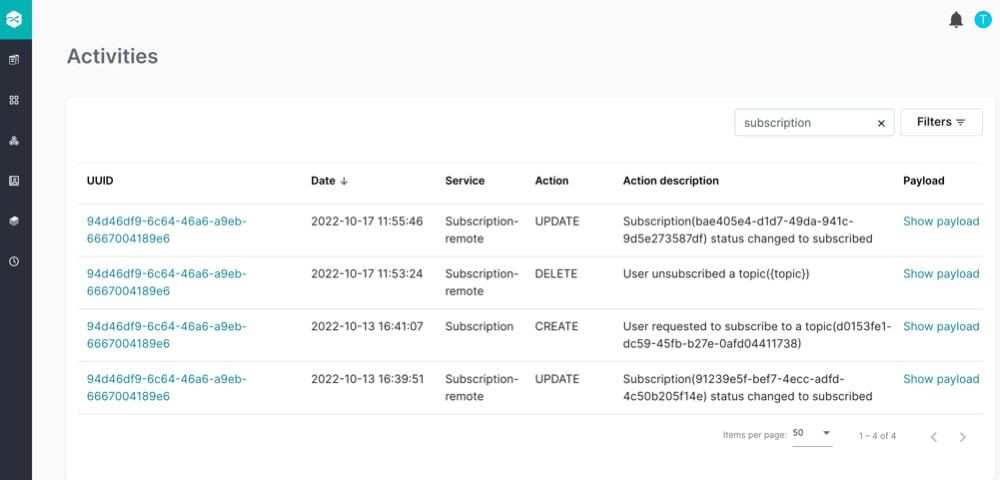
You can view the activities by the following:
- Search activities
- Filters
Search activities - you can search activities by Action description:
Filters - you can filter by Date range, Service, Action:
Specify the Date range to filter the information such as Action and Service.
- Service - you can filter activities by Topic, User, Project, Subscription, Adaptor, Message and All.
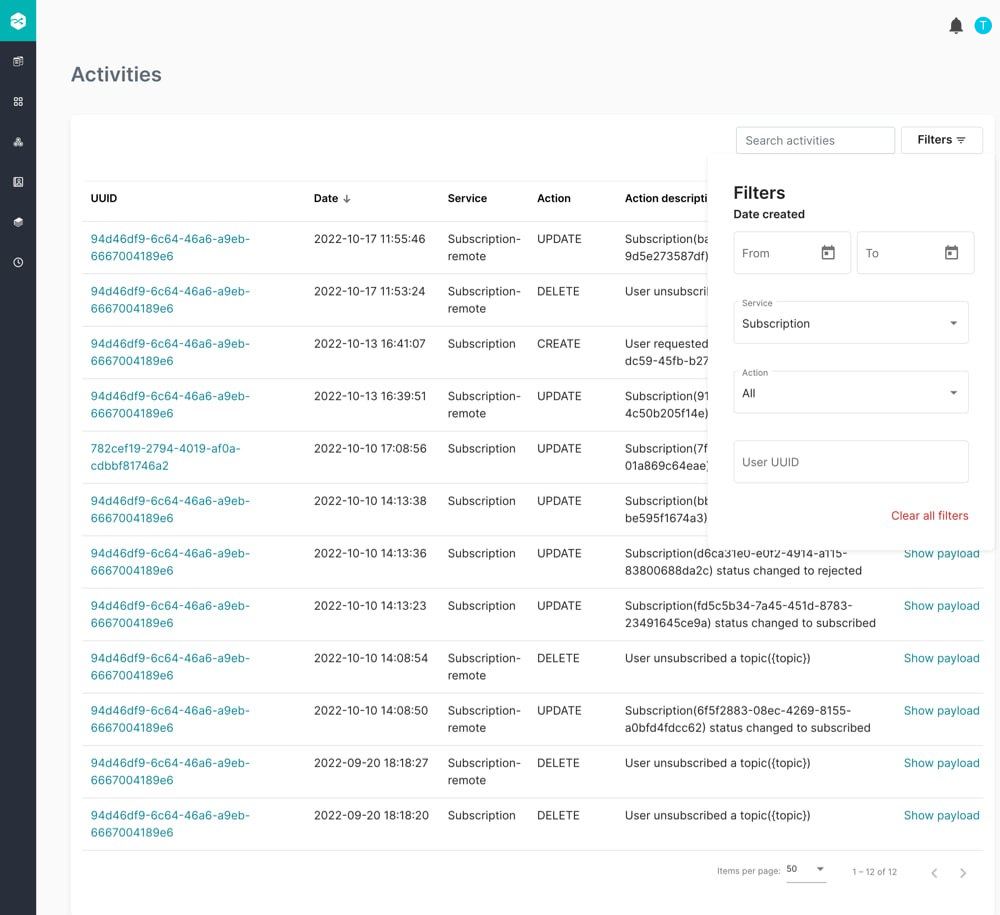
- Action - you can filter activities by Create, Update, Delete and All.
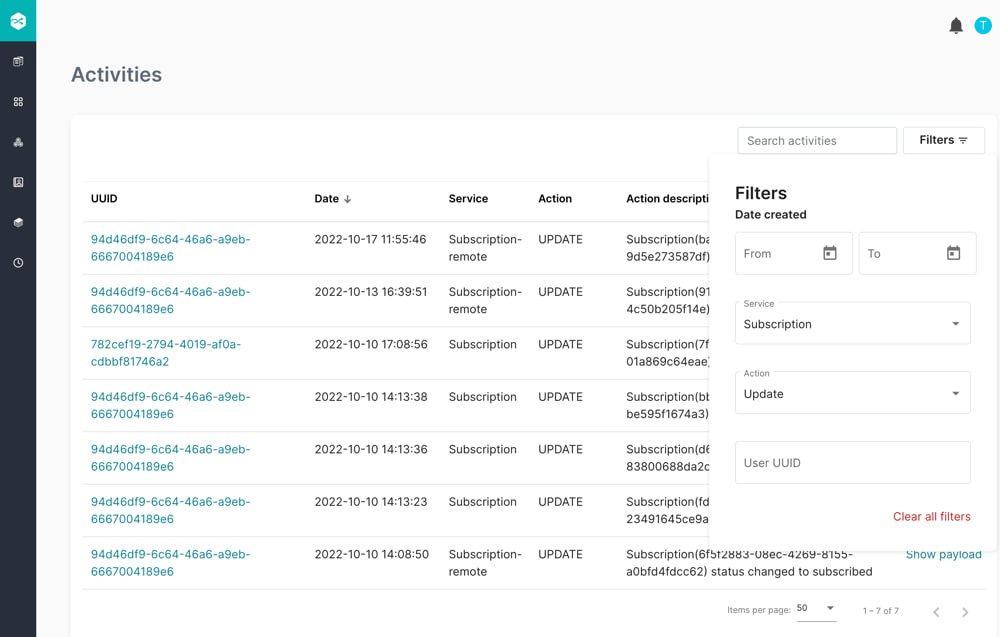
- Alternatively, you can click Clear all filters to reset the filters.
