After user completed email address verification, user can see the login page.
Next step for user is to Set up MFA:
Step 1: MFA setup: Enter your verified Email address and Password and click login.
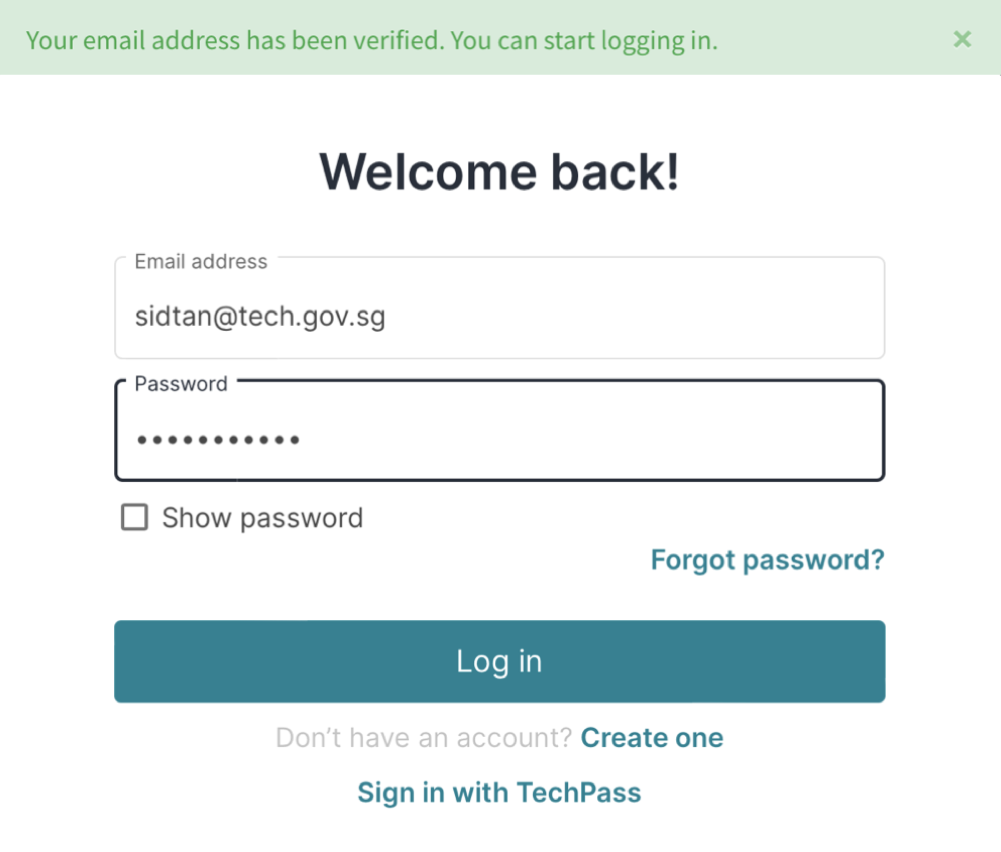
- Follow the steps as displayed on the screen.
Step 2: User must first set up your multi-factor authentication (MFA) to be able to login. The MFA allows you to have additional layer of security when logging in.
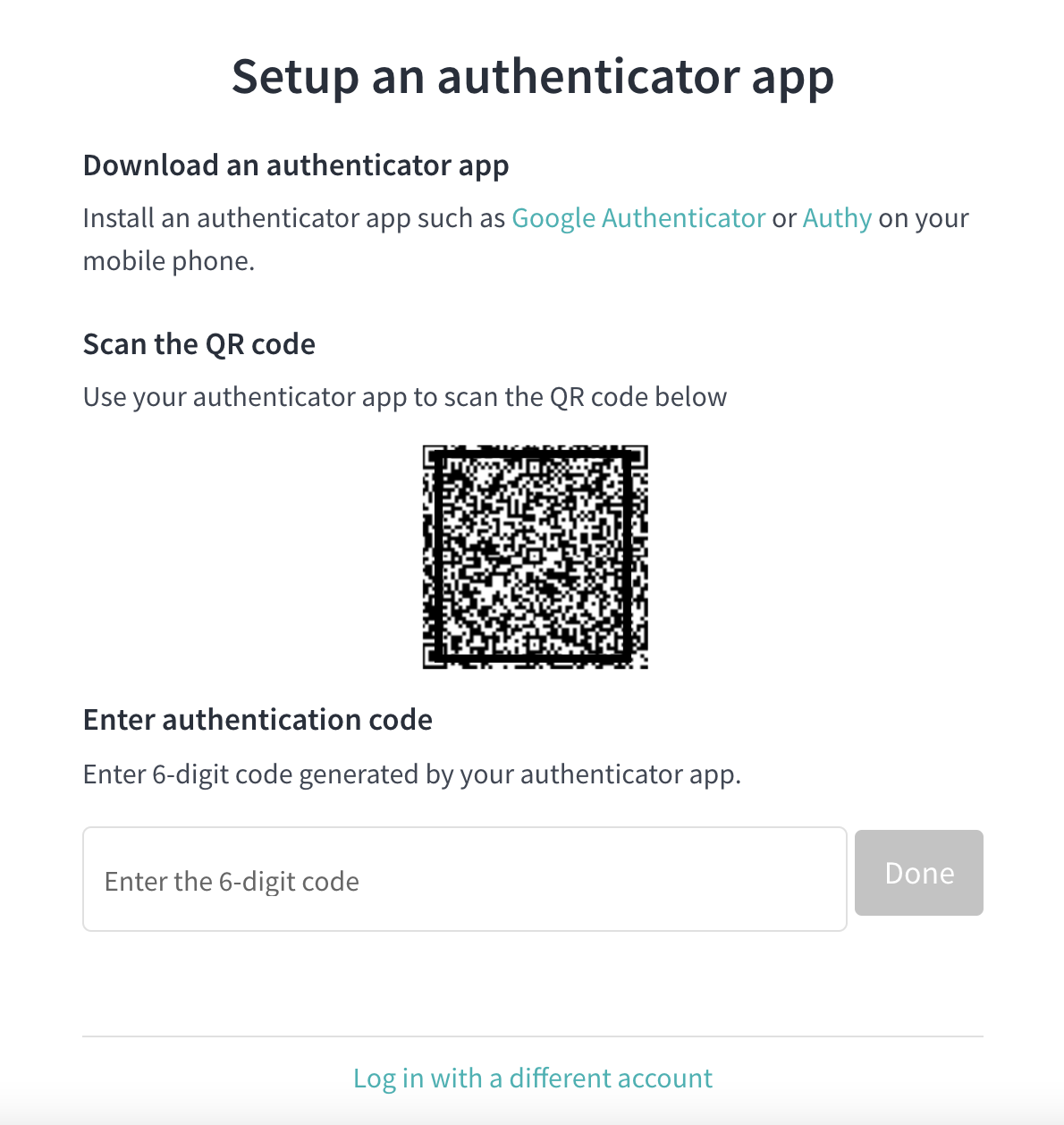
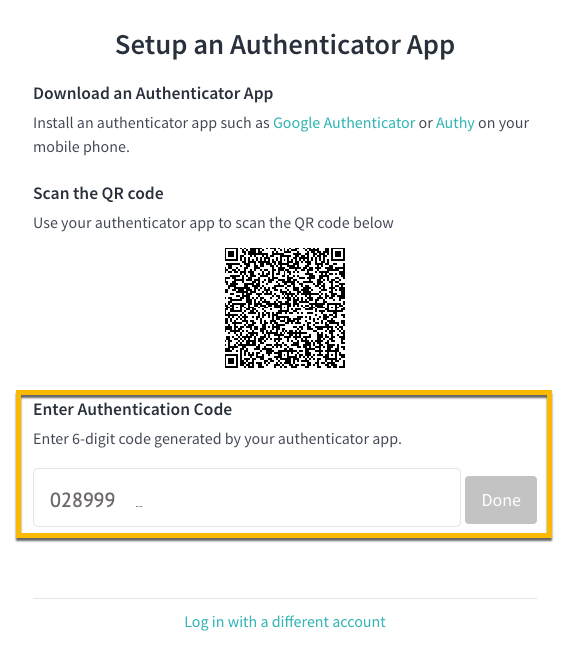
Step 3 Scan the QR code with a TOTP-generating app like Google Authenticator or Authy.
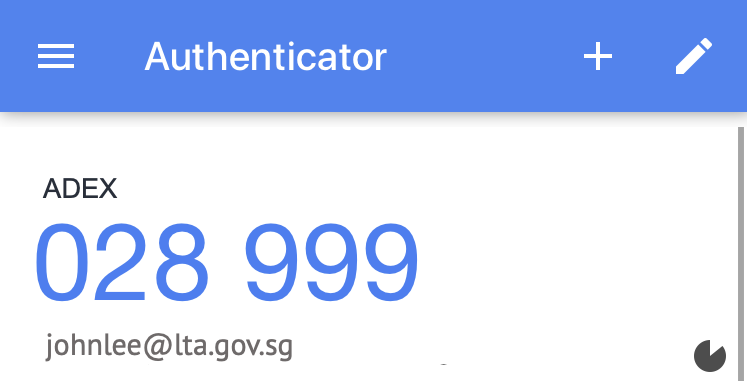
Step 4 Enter the TOTP received from the TOTP-generating app with 6-digit code to link the app. Click Done.
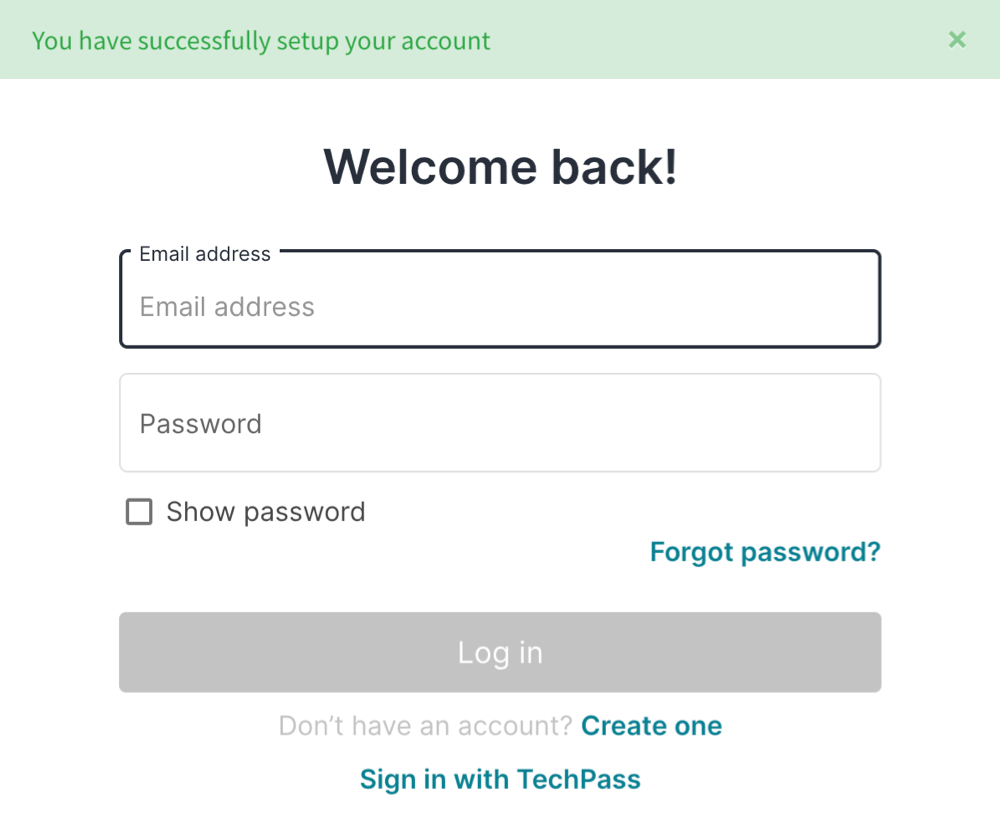
Step 5: Once the account is successfully setup, log in again.
Note:To Reset MFA
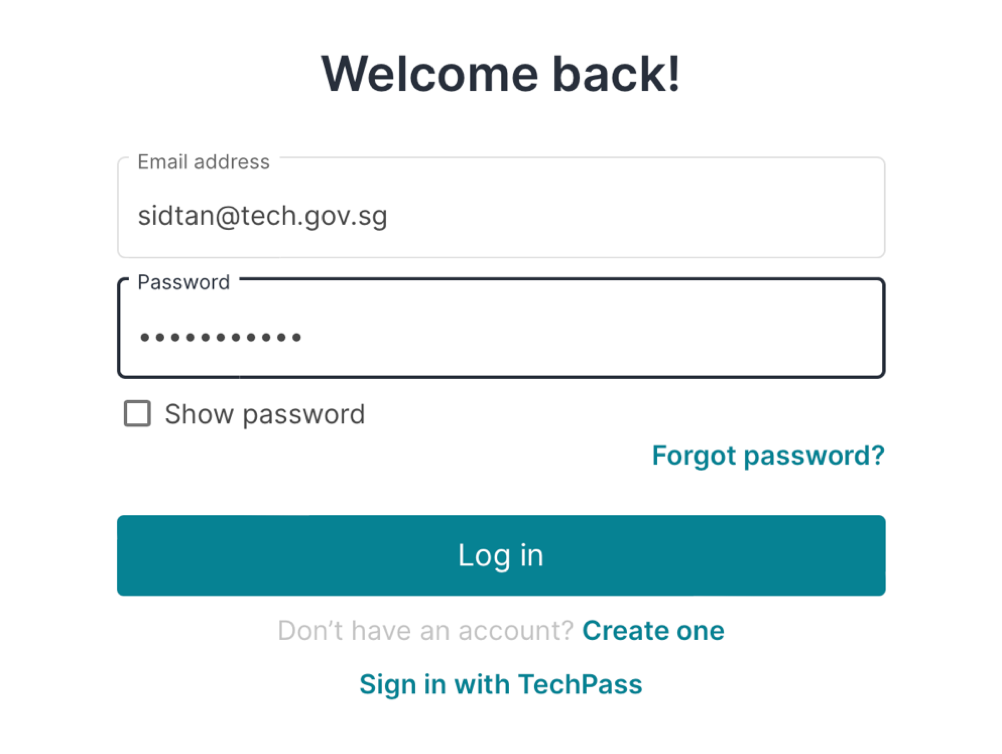
Enter your registered Email address and Password.
Click Log in.
User can Reset MFA by clicking Click here.
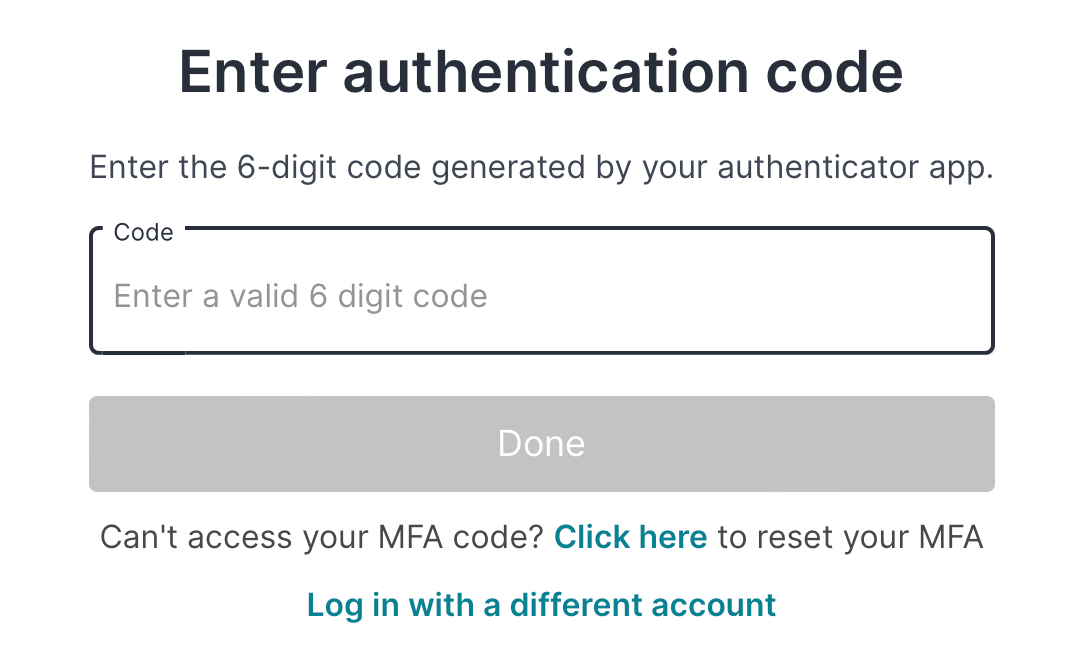
User will receive an email with link to reset your new MFA.
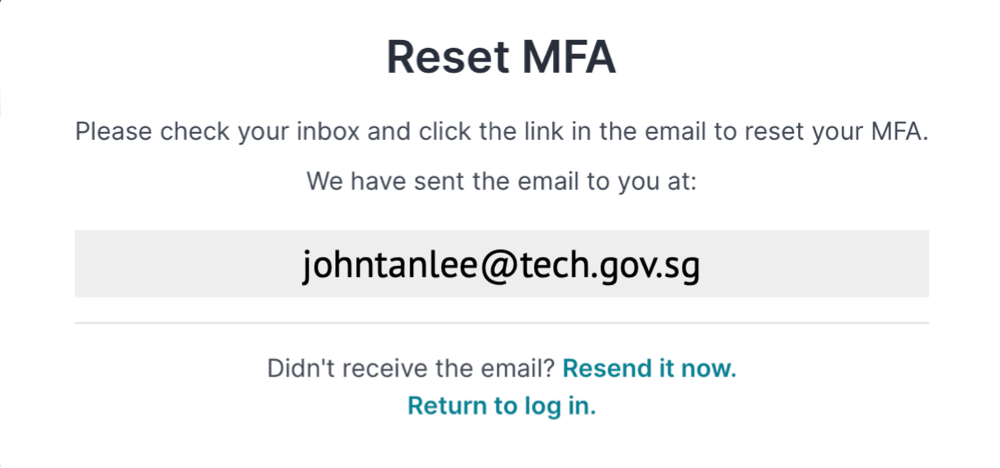
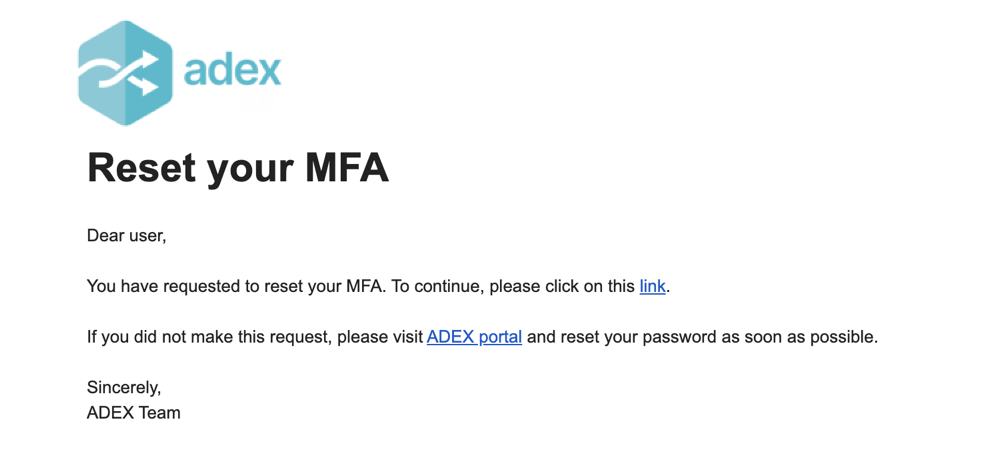
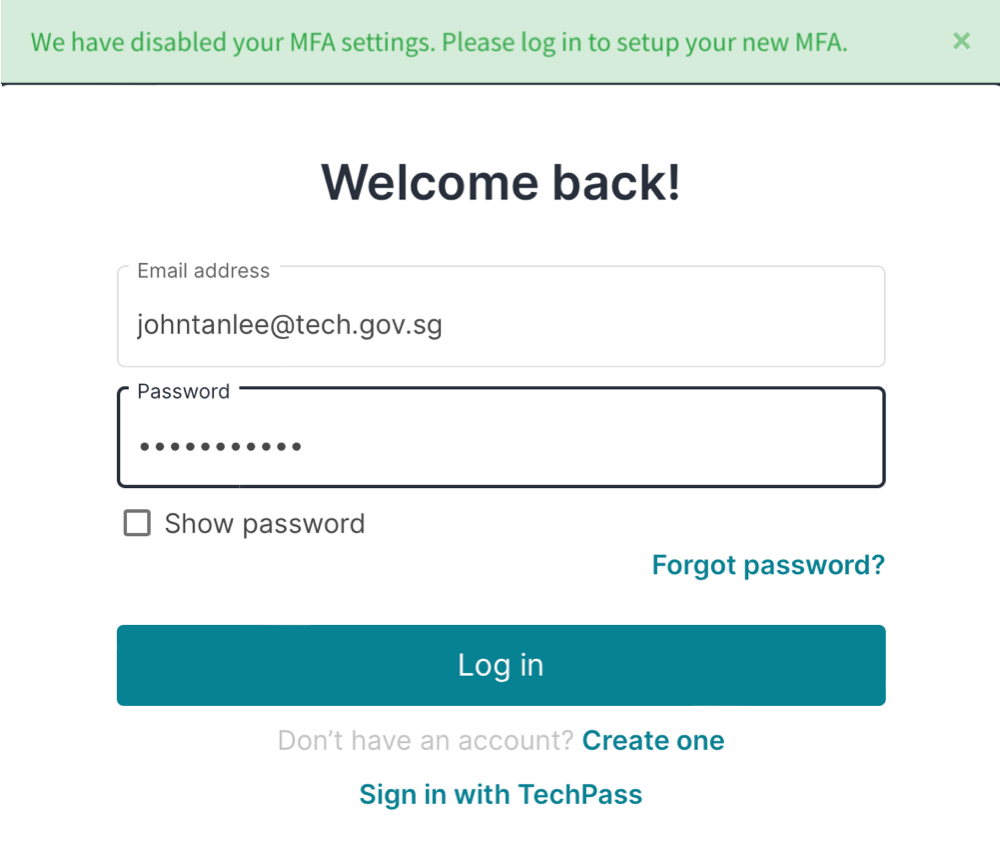
User can click the link in the email, user could see your old MFA is disabled and can start login with your Email address and password to set up new MFA.