Sign up using a valid agency email address (e.g. @gov.sg), after Sign up, system will send verify email notification to user’s email inbox
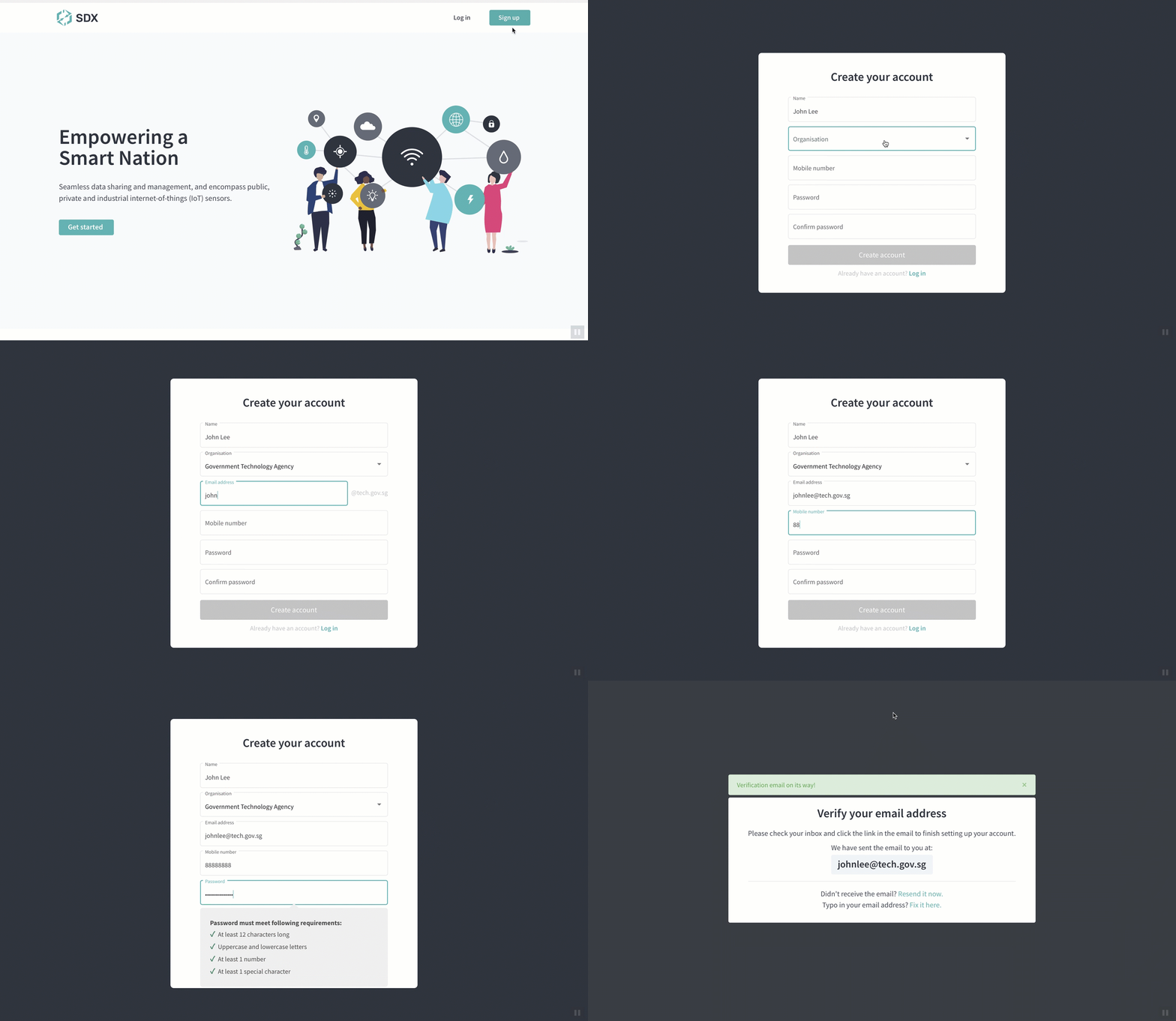
To sign up:
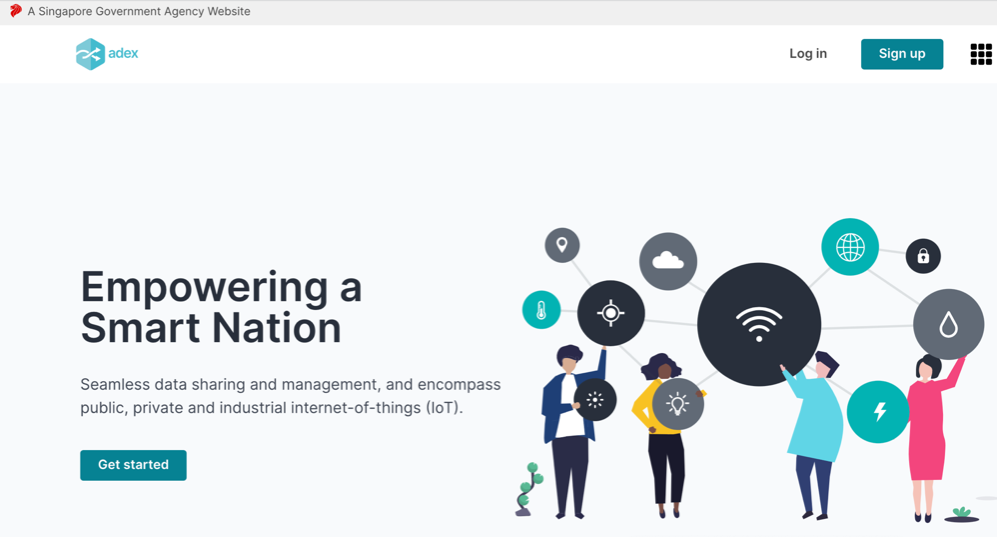
Step 1: Navigate to Home page and click Sign up.
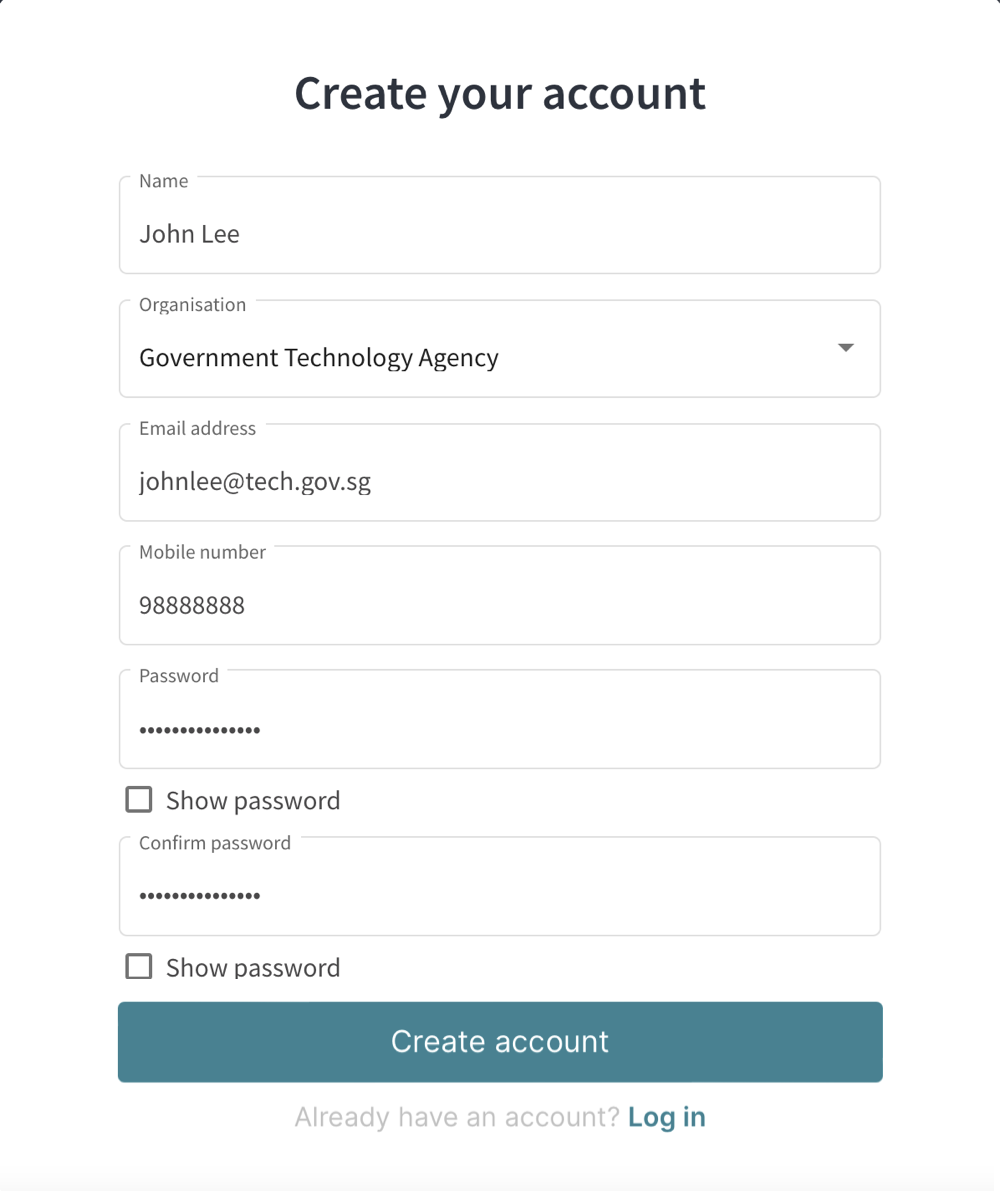
Step 2: Fill in the following information:
Name
Organisation
Email address – Must be a valid gov.sg email id
Mobile number – Must be 8-digit in number
Password – For the password strength, these are the criteria to fulfill:
- At least 12 characters long
- Uppercase and one lowercase letters
- At least 1 number
- At least 1 special character
Confirm password
Show password - Click to show password
Click Create account button
Step 3: Verify your email address.
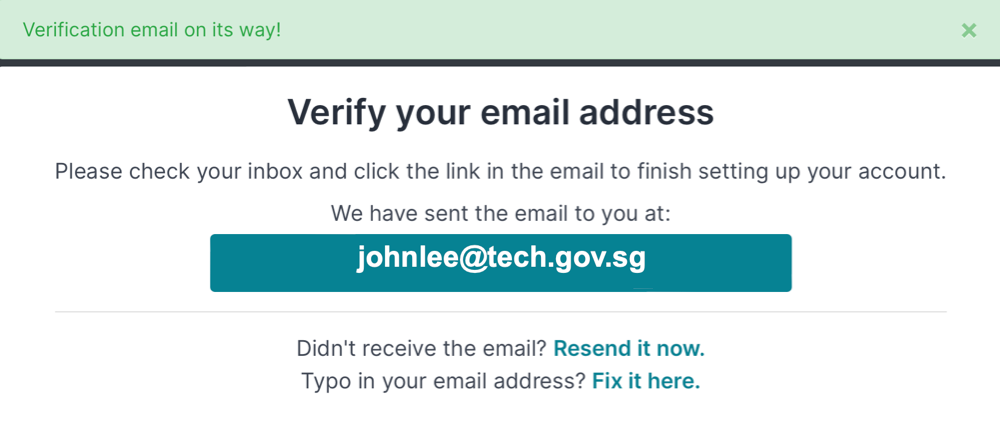
Note: User account is successfully created in ADEX, user will receive a verify email address link in user email inbox.
